Apps for Organization: Check out the best options!
Keeping organized in all areas of life is not easy. The tasks are many, home, work, children, social life, health, studies, among others. For this there are the most varied means with which we can organize ourselves.
Anúncios
In addition to paper and pen, we can use the numerous applications and websites for this. So today, we brought you 6 tips for organizing apps for you to test and, in fact, get organized better.
Anúncios
The organization is also made of mistakes and successes, but the most important thing is to START. After that, have CONSTANCE so that you can have an organized life and enjoy everything it can offer you.
Apps for Organization – Google Calendar: organize your month
Google Calendar is a free and very amazing calendar and calendar service. In it you can create and schedule events, appointments, tasks and goals, for example.
When adding an event, for example, you can set time, add people, location, reminder and notification, if it is an online event, you can add the video conference link, especially when done by Hangouts Meet itself, in addition to description and attachments.
Also, you can add quick reminders and also create goals. In the goals functionality, Google Calendar itself offers goals and habits tips for you to add to your agenda.
Anyway, Google Calendar has several features and the best thing is that you can share it with whoever you want, and of course sync with all your Google accounts. In addition to the app, you can also use it on your computer.
Apps for Organization – Trello: the most famous boards for organization
Trello is an application widely used by companies and for those who work with various projects. It is not such a simple application, but it is very complete and different from what we are used to using. In it you can manage your activities through boards. Normally, the organization of these boards is up to you to choose and adapt to what you seek to organize.

Within the boards and cards you can add images, links, set colors, add other people, etc. It is an application that you can organize your goals until your own company, for example.
At first it may seem too complex, but when you adapt and understand its features, it becomes a great application that will definitely help you with your organization.
Ah, a tip: Trello has a blog with lots of tips and board templates ready for you to use. It has for personal organization, goals, marketing, sales flow, travel, management, among others. Incredible!
TickTick: To-do list for your organization
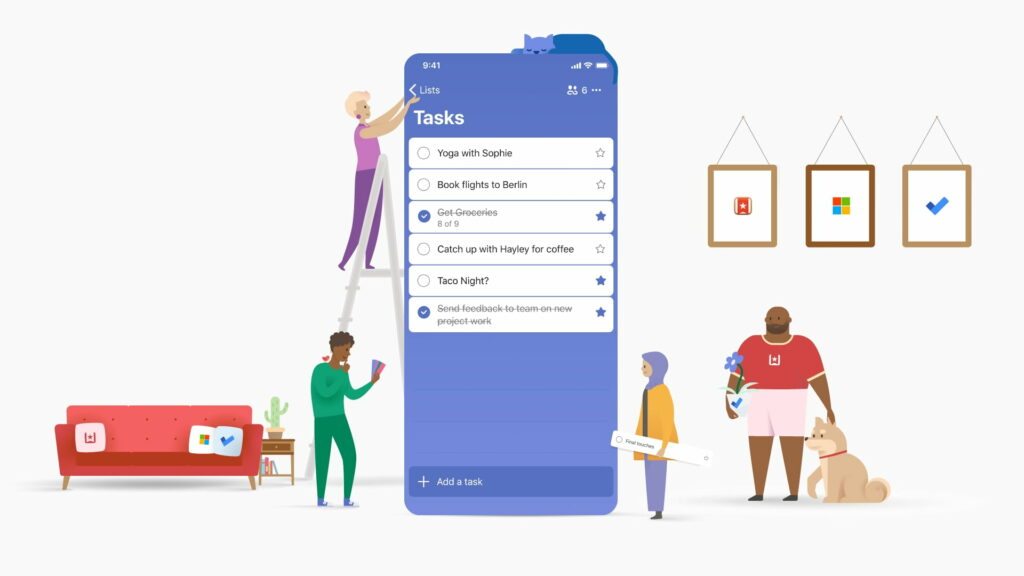
This app is very intuitive. TickTick is a task manager, easy, practical and complete. In it you can create folders with central themes and inside add specific tasks, set schedules and attach images, documents, location and of course, it allows sharing with other people.
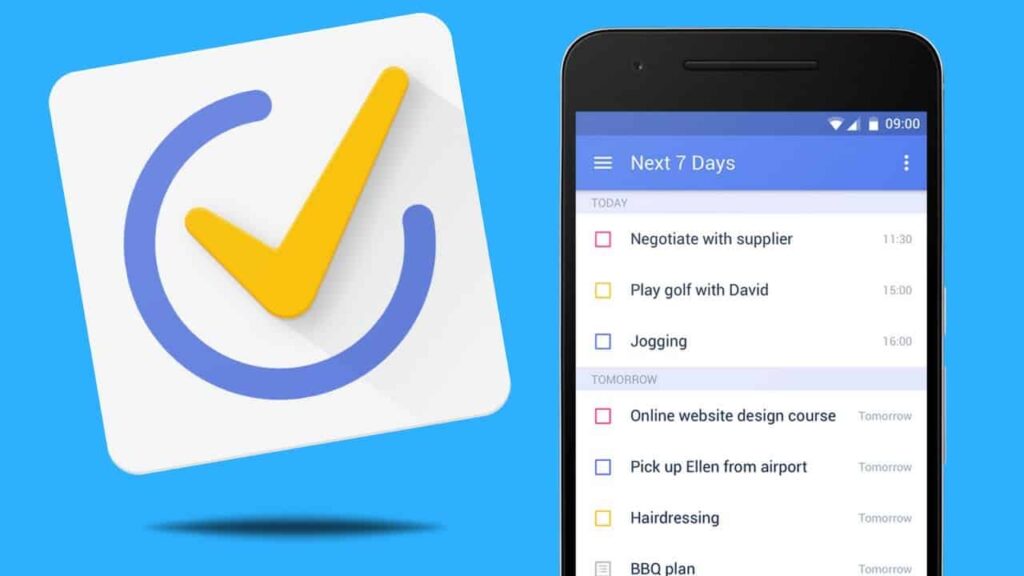
The coolest thing about this application is that you can add the importance of each task, it goes from high rating to none, that is, you can set priorities for your day, something essential for the organization.
Evernote: your study notebooks
Evernote is an application that serves as a bank of notes for everything you want. From basic organization notes to using it as your study notebook. With it you can catalog information, save articles, photos, audios and pdfs, digitize and save all this in one place.
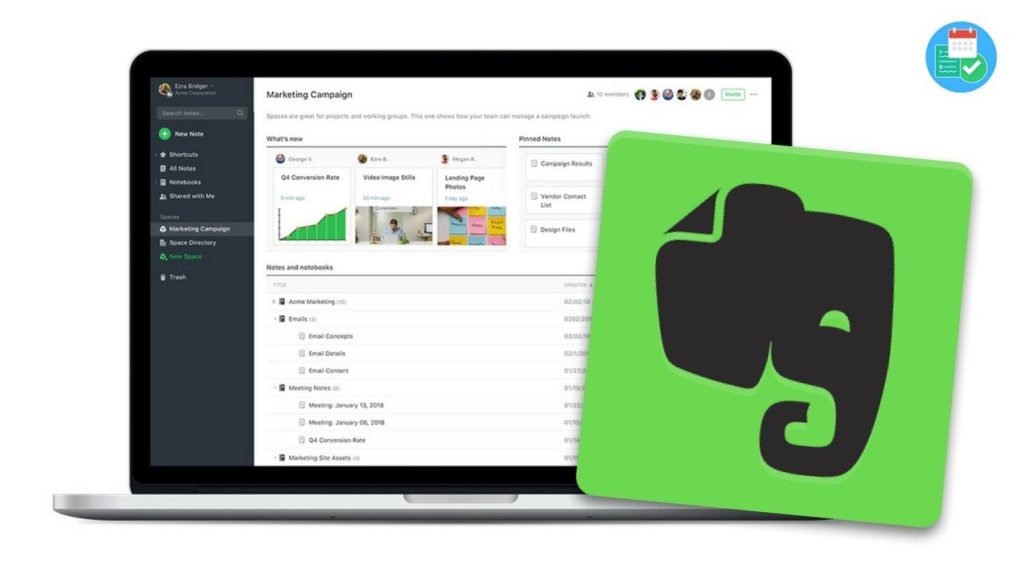
Therefore, from the basics of lists to documents and saved texts, the application also allows sharing with other people, in addition to synchronizing with different devices.
Forest: plant a tree and keep your focus
Forest is a curious app. The way it was created to help keep the focus on tasks is very cool. With the slogan Stay focused, be present (“Stay focused, be present”, in a free translation) is precisely an application that will help you focus on your tasks and thus be more productive.
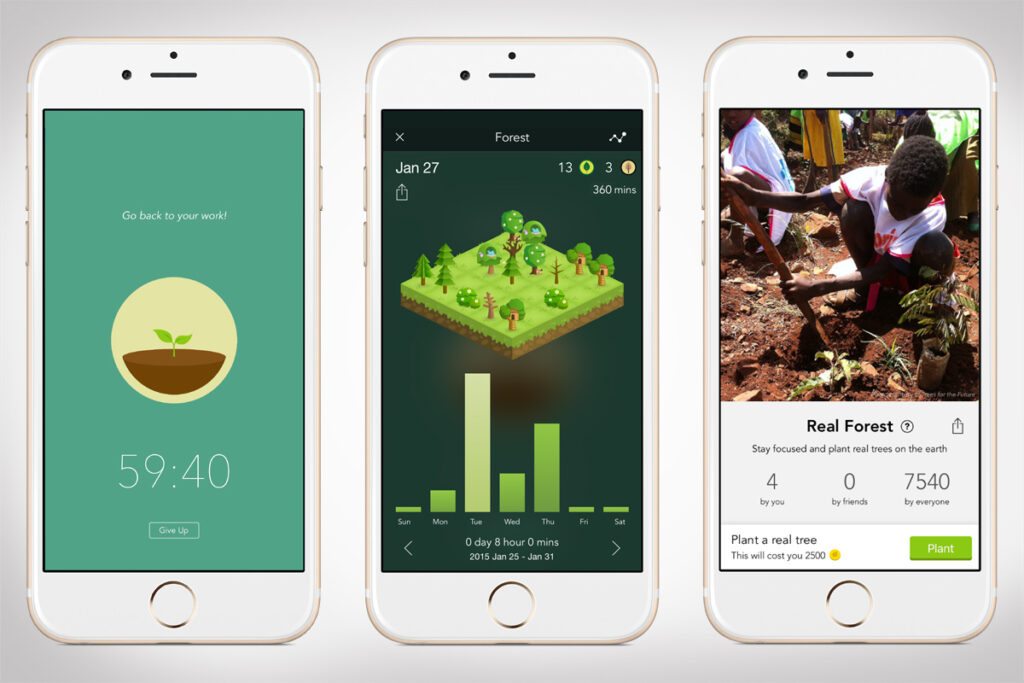
Therefore, the application works as a social game, which will keep you away from your cell phone. In it you determine how long you will not use your cell phone, with that it starts a countdown and at the end, if you finish the time, that is, if you don’t touch your cell phone, you will have planted a tree, in addition to other rewards. AMAZING right!?
Then you will ask me, but is it a real tree? Yes, trees are not planted every time you start counting, but when the user spends the virtual coins. The company has partnerships with NGOs to carry out this project.
Apps for Organization – Mini habits: yes, they help you with organization
Having habits undoubtedly keeps us organized. And for that the Mini Habits app is great for that. Therefore, the application is very intuitive, when entering, just follow the instructions to start creating your habits.
In it you can create a routine with exercises, reading, studies, gratitude, and whatever you want to implement in your daily life. The proposal is to really create small habits, start little by little, but be consistent, which is one of the main points of the organization.
Frequently asked questions
What are the best apps for organization at work or in daily life?
The best apps for organization usually depend on whether you need task tracking, calendars, notes, or team coordination.
Some people prefer a Good Task Manager App for personal planning, while others need Organization Management Software that supports projects, files, and shared workflows.
For work, the most useful setup is often the one that reduces friction and makes it easier to see priorities in one place.
Which app works best for team task management?
Teams usually benefit from tools that make assignments, deadlines, and progress visible to everyone involved.
A Best Task Management App for Teams often includes shared boards, reminders, and collaboration features that support daily coordination.
In some cases, a Free Team Task Management App or a Team Task Management App Free plan can be enough for smaller groups, although features may be limited compared with paid versions.
The right option can vary depending on team size, reporting needs, and how much automation the workflow requires.
Are there good organization apps for nonprofits?
Yes, many nonprofits use digital tools to manage operations, communication, and internal processes more efficiently.
Depending on the mission and size of the organization, Contract Management Software for Nonprofits, Software for Membership Management, and Membership and Event Management Software can each play a useful role.
Some groups also compare offers such as Zapier Non Profit Discount or Trello Non Profit Pricing when evaluating budget-friendly ways to support administrative work.
Discounts, eligibility, and plan details may vary by provider and program requirements, so checking the official terms is important.
What are the best apps for scheduling and calendar organization?
Scheduling apps are often most helpful when they combine visibility, reminders, and easy sharing across a team.
Many businesses look for the Best Calendar Software for Business when they need appointment planning, meeting coordination, and time blocking in one system.
For individual productivity, even a simple Best Online To Do List for Work can work well when it connects smoothly with your daily calendar and deadlines.
Can event planning apps also help with general organization?
Yes, event tools often include features that are useful beyond planning a single occasion.
Venue and Event Management Software can help track schedules, vendors, timelines, and responsibilities across multiple moving parts.
For associations, clubs, or member-based groups, Best Event Management Software and Membership and Event Management Software may also support registration, communication, and attendance management.
The best fit depends on whether your focus is internal organization, public events, or both.
What app should I use for notes, structure, and information management?
That depends on whether you mainly need quick capture, searchable notes, or a broader operational system.
Some users still look at Evernote for Business when they want note organization and shared reference material, while others prefer a more complete Organization Management Software platform.
If your goal is better structure across departments or roles, it may also help to compare the Best App for Org Charts with the Best Software for Org Charts so teams can visualize reporting lines more clearly.
Are there specialized organization apps for certain industries?
Yes, some industries benefit from tools designed around their specific workflows rather than general task lists.
A Construction Task Management App, for example, may include features for crews, timelines, field updates, and job-specific coordination.
In contrast, a general Good Task Manager App may be enough for office-based teams that only need assignments, due dates, and simple status tracking.
Choosing between specialized and general software usually depends on how complex the day-to-day work really is.
How do I choose the right organization app without overcomplicating my workflow?
Start by identifying the main problem you want the tool to solve, such as missed deadlines, scattered notes, or poor team visibility.
From there, compare whether you need a Best Online To Do List for Work, a Best Task Management App for Teams, or broader Organization Management Software with event, membership, or reporting features.
It is often better to choose one tool that fits your most important process well than to combine too many apps that overlap.
Apps for Organization – Conclusion
Apps are tools that will help you organize any area of your life. Don’t be afraid or lazy to try several and see which ones work, or not for you. Remember that organization is personal and necessary for quality of life.
NOTE: All apps are available on Google Play and are free.